
How this page was reviewed
Written and reviewed by the Postraid editorial team. We compared the linked source page with the provider information and dated tables shown here. This is editorial guidance, not a hands-on product test unless the page explicitly says otherwise. Last updated .

The short version
First Draft starts with clips you provide. Its value is a faster starting edit, not a substitute for accurate footage, a clear message or a final review.
What First Draft is designed to do
Instagram’s creator announcement describes First Draft as a way to trim selected clips and remove pauses to create an initial Reel edit. It also says the changes are reversible and the creator can adjust or reorder the result. The important word is initial: the output is a starting point for further decisions.
Think of it as assistance with assembly. You still supply the footage and decide what the post should explain. A quick rough cut can reduce a repetitive task, but it does not establish that the selected moments form a clear or accurate story.
This distinction matters when comparing tools. Automatic editing of existing clips is not the same job as generating an illustrative scene from a prompt or developing product-specific content from a brief. Choose the tool around the material you have and the work that remains.
Check availability before planning around it
Use the current Instagram app and the controls visible to your account as the practical availability check. A rollout announcement does not mean that every account, device or region receives a feature at the same moment. This guide does not promise a universal Android date or a fixed waiting period.
Look for First Draft while preparing a Reel with your selected clips. If it is not available, keep the original footage and use the normal editing route or another authorized editor. Do not repeatedly reinstall apps or change account settings based on an unverified claim that it unlocks a staged rollout.
The public announcement describes a result in seconds, but that is not a service-level guarantee for your device or footage. Judge the feature by whether it reduces your complete editing effort, including corrections, rather than whether one attempt matches a promotional stopwatch.
Give the edit a clear job
Write the message before selecting clips. A fictional stationery shop might want to show how a refillable notebook opens and accepts a new insert. That is a narrow, demonstrable task. A broad instruction to make an exciting Reel about the whole shop gives the edit less structure.
Identify the beginning, the important action and the result. You can change their presentation order creatively, but the viewer still needs enough context to understand what happened. A strong opening should not make the final demonstration confusing or imply a feature the product does not have.
Choose a relevant next step, such as viewing the notebook details. Keep it proportionate to what the post actually explains. A short mechanical demonstration does not need to carry every benefit, price and promotional message the business wants to communicate that week.
Prepare footage that can be edited well
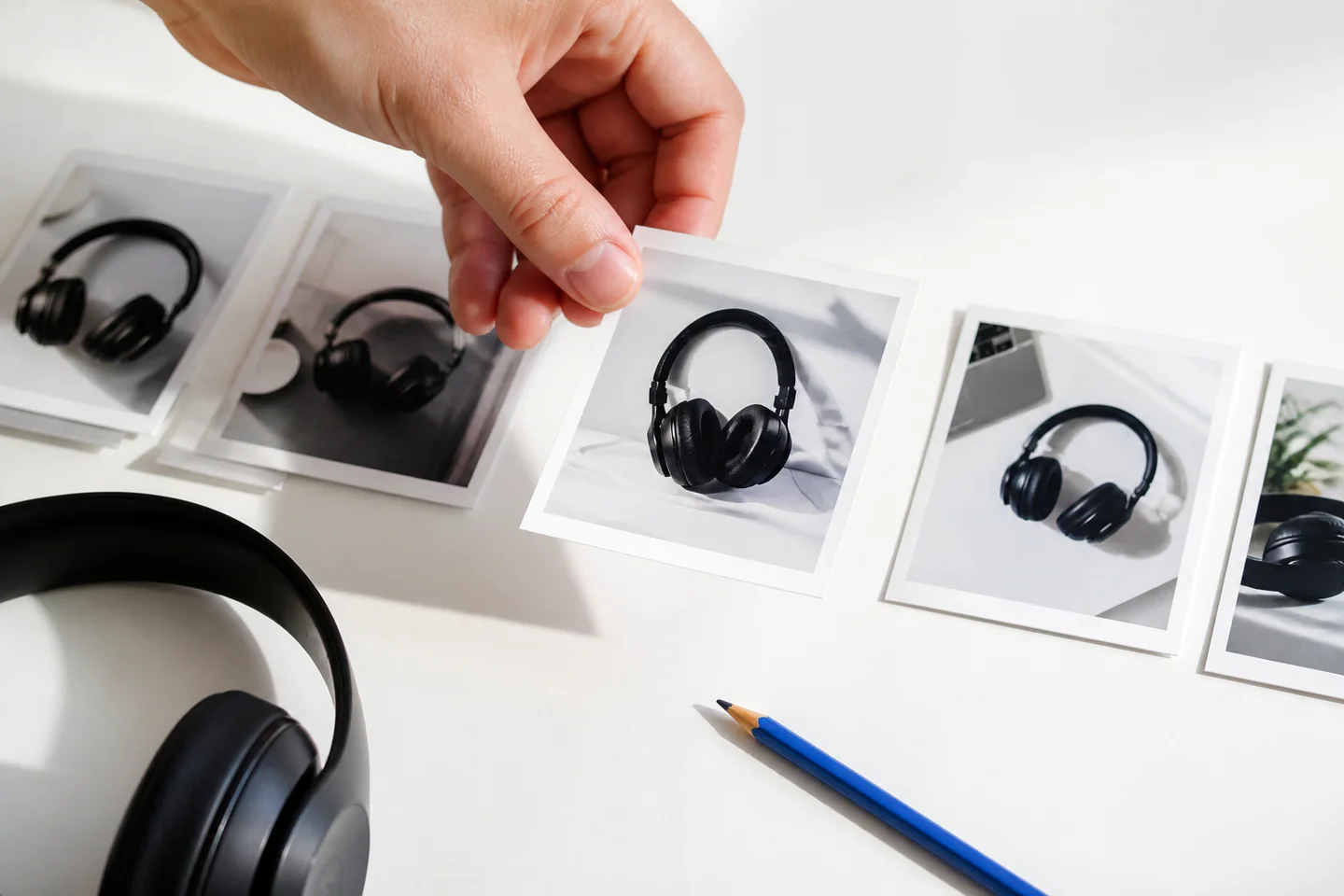
Record the actual product in a stable, readable frame. Capture the action completely, including the moments before and after the important movement. A little extra material gives you editing choices; endless near-identical takes can create unnecessary selection work.
For the notebook, keep the fastening mechanism visible and use consistent lighting across shots. Avoid switching between old and new product versions without explanation. Check reflections, labels and background items for private information or distracting details before relying on the footage.
Preserve the original clips outside the working draft where appropriate. A reversible edit inside an app is useful, but it is not a substitute for keeping the source material you may need later. Organize clips by product and date so a future revision does not start with a search through unrelated recordings.
Select a coherent set of clips
Choose clips that serve different parts of the explanation. The notebook sequence might include the closed cover, opening the fastening, fitting the insert and the completed result. Several attractive close-ups of the same cover do not necessarily create a complete story.
Remove clearly unusable material before assembly when doing so is straightforward. A shot with a hidden action, an accidental interruption or the wrong product can distract the automatic edit. The goal is not to make the tool solve problems that you can identify immediately.
If First Draft is available, use it to produce a starting sequence and then inspect that sequence. If the result is not useful, return to the footage and reconsider the selection. Repeating the same request without changing an unsuitable input may not improve the underlying story.
Review the order for meaning
Watch the rough cut from beginning to end before making small timing adjustments. Does the action happen in a comprehensible order? Does the result correspond to the product shown earlier? Has a transition accidentally suggested that a manual task happens automatically?
For the notebook, an edit that jumps from a closed cover to a fitted insert may look smooth but omit the step the viewer needs to understand. Restore that step or narrow the claim. An efficient edit should remove unnecessary material, not the evidence that makes the explanation trustworthy.
Use the adjustment and reordering controls available in the draft to improve the sequence. Keep the original objective visible while editing. It is easy to spend time polishing a visually pleasing cut that no longer answers the audience’s question.
Restore pauses that carry information
Silence is not always wasted time. A moment showing a finished screen, a small product detail or a completed action may be necessary for comprehension. Removing every pause can make a demonstration feel rushed even if the total duration looks attractively short.
Check the start and end of spoken phrases. A cut can remove a qualification, make two separate statements seem connected or change the apparent meaning of a response. Review captions against the actual final audio rather than assuming an earlier transcript still fits.
Give the viewer time to read essential labels. Do not rely on repeated viewing to compensate for text that disappears too quickly. Concision comes from selecting the right information and presenting it clearly, not simply reducing every clip to the shortest possible fragment.
Finish the picture, text and sound together
After the structure works, review the complete Reel with captions, audio and any additional elements. Keep important product details visible within the 9:16 frame and away from likely interface overlays. Check the actual destination preview rather than relying only on the editor canvas.
Use music and other assets that are authorized for the intended use. Availability in one tool does not automatically cover every commercial context or another platform’s export. Keep a clean master where the workflow allows so later adaptations do not depend on downloading a published version.
Make text support the demonstration rather than compete with it. If a sentence is already obvious from the picture, consider whether it needs to be repeated. If a qualification is essential to the claim, do not hide it in tiny text or assume the audience will find it elsewhere.
Separate editing from synthetic-content decisions
Trimming your recorded footage is a different operation from generating a person, voice or scene. But the final Reel may combine several kinds of material, so do not decide disclosure solely from the name of the editing feature used at the beginning.
Meta’s updated labeling explanation distinguishes generated content from content modified with AI tools and describes different label placement. Review the current settings and the actual alterations in your finished post. Do not promise that no label can appear simply because the workflow began with ordinary footage.
Truthful advertising and permissions remain separate checks. A conventional edit can still mislead by changing context, and a synthetic-content label does not make an invented testimonial accurate. Review the assembled message, any commercial relationship and relevant local requirements before publishing.
Compare the saved effort honestly
Measure the entire task from selecting footage to an approved final post. An automatic first pass may be quick while the corrections take longer. That can still be worthwhile if it removes tedious work, but the initial processing time is not the total production time.
Try a representative task rather than a deliberately easy demonstration. For the stationery shop, compare a normal product sequence with the usual manual workflow. Record whether the automatic cut preserves important actions and how many corrections it needs.
Do not turn one trial into a universal claim that automatic editing saves a fixed amount for every creator. Different footage, narration and requirements create different results. The useful decision is whether it helps the kind of work your team repeats.
Know which bottleneck remains
If the team already has useful footage and struggles with trimming, an automatic rough cut may help directly. If nobody has decided what to say or recorded the necessary demonstration, assembly is not yet the main problem. Solve the missing step instead of adding another editing tool.
Keep content planning, source production, editing, approval and publication visible as separate stages. A faster stage can reduce friction without eliminating the others. It also does not guarantee that the finished post will be recommended or that viewers will respond in a particular way.
For recurring production, prepare a small library of current approved shots and a list of distinct audience questions. Reuse the setup and product facts, but do not fill the feed with nearly identical edits simply because generating a rough cut has become easier.
Build a mixed workflow when filming is limited
Not every post needs a new recording. A readable carousel can explain a checklist, a meme can frame a recognizable contrast and a reaction can introduce a situation. Choose the format that carries the message accurately instead of forcing every idea through the same filming process.
Postraid focuses on its supported product-context reactions, memes and carousels. It is not presented here as an integration with First Draft, a substitute for every video editor or a custom product-filming service. Check the current creation controls and plan allowances when combining tools.
Keep approval and publishing ownership clear whichever route you choose. The final post needs the correct account, caption, permissions and available disclosure settings. A useful workflow gives you a faster way to reach an accurate finished piece, while leaving room for the editorial judgment that makes it worth publishing.
A few useful answers.
Does First Draft create footage from nothing?
The creator announcement describes trimming and assembling selected clips. Treat it as an editing starting point, not a general video generator. You still need appropriate source footage and a clear idea for the final Reel.
Can I change the automatic edit?
Instagram’s announcement says the changes are reversible and can be adjusted or reordered. Review the controls in the current app and keep your source clips. Reversibility helps with editing but should not replace sensible source-file organization.
When will my account receive it?
Check the current app and official creator updates. This guide does not promise a universal device, region or account rollout deadline. If the control is absent, use a normal editing route without assuming that changing unrelated settings will unlock it.
Should I remove every pause?
No. Some pauses let the audience inspect a result or understand an action. Review the meaning of each cut, including spoken qualifications and readable text. A shorter sequence is not automatically a clearer one.
Does the tool remove the need for disclosure?
No. Review the final material, including any generated or altered assets added elsewhere. Editing, AI labeling, commercial relationships and truthful claims are separate considerations. Follow the current destination controls and applicable requirements.
What if I do not have footage?
Choose an appropriate text-led or illustrative format, or plan the actual demonstration you need to record. An assembly tool cannot supply missing product evidence. Postraid’s supported formats may help with some messages, but they should not be described as custom filmed demonstrations.