
How this page was reviewed
Written and reviewed by the Postraid editorial team. We compared the linked source page with the provider information and dated tables shown here. This is editorial guidance, not a hands-on product test unless the page explicitly says otherwise. Last updated .
The short version
One recognizable problem, one visible action and one clear result make a stronger starting point than a tour of every feature.
Decide what the viewer should understand
Choose a single task the product genuinely helps someone complete. For a fictional appointment app, show how a customer finds an available time and confirms a booking. Do not start with a long explanation of the company or a tour of every setting. Write the viewer’s question at the top of your recording notes and keep the demonstration focused on answering it.
Plan three moments: the starting situation, the action and the result. The final frame should make the benefit visible. Avoid promising that a short demo will automatically create demand; use it to communicate accurately and learn which explanation your audience finds useful.
Prepare a safe, believable recording environment
Use a demonstration account with realistic sample information, not private customer records. Check names, messages, addresses, payment details and browser autofill before recording. Hide notifications and close unrelated windows. A polished video is not worth exposing information that should never appear in a public post.
Prepare the starting screen and run through the task once without recording. Make sure the product state matches the story and that the result can be repeated. If the feature is only a prototype, label it accordingly rather than presenting an edited concept as available software.
Record a mobile product with deliberate movements
Use your device’s screen-recording controls and check a short test clip before capturing the full action. Begin slightly before the first useful tap and leave a short pause on the result. Those extra moments give you room to trim the opening and ending without cutting away essential context.
Keep the action easy to follow. Avoid racing through several screens or repeatedly tapping while a response is loading. Record a few complete takes and choose the clearest one. For social video, compose the final edit in a 9:16 frame and check the content at phone size, including any platform interface that may cover the edges.
Make a web product readable in a vertical edit
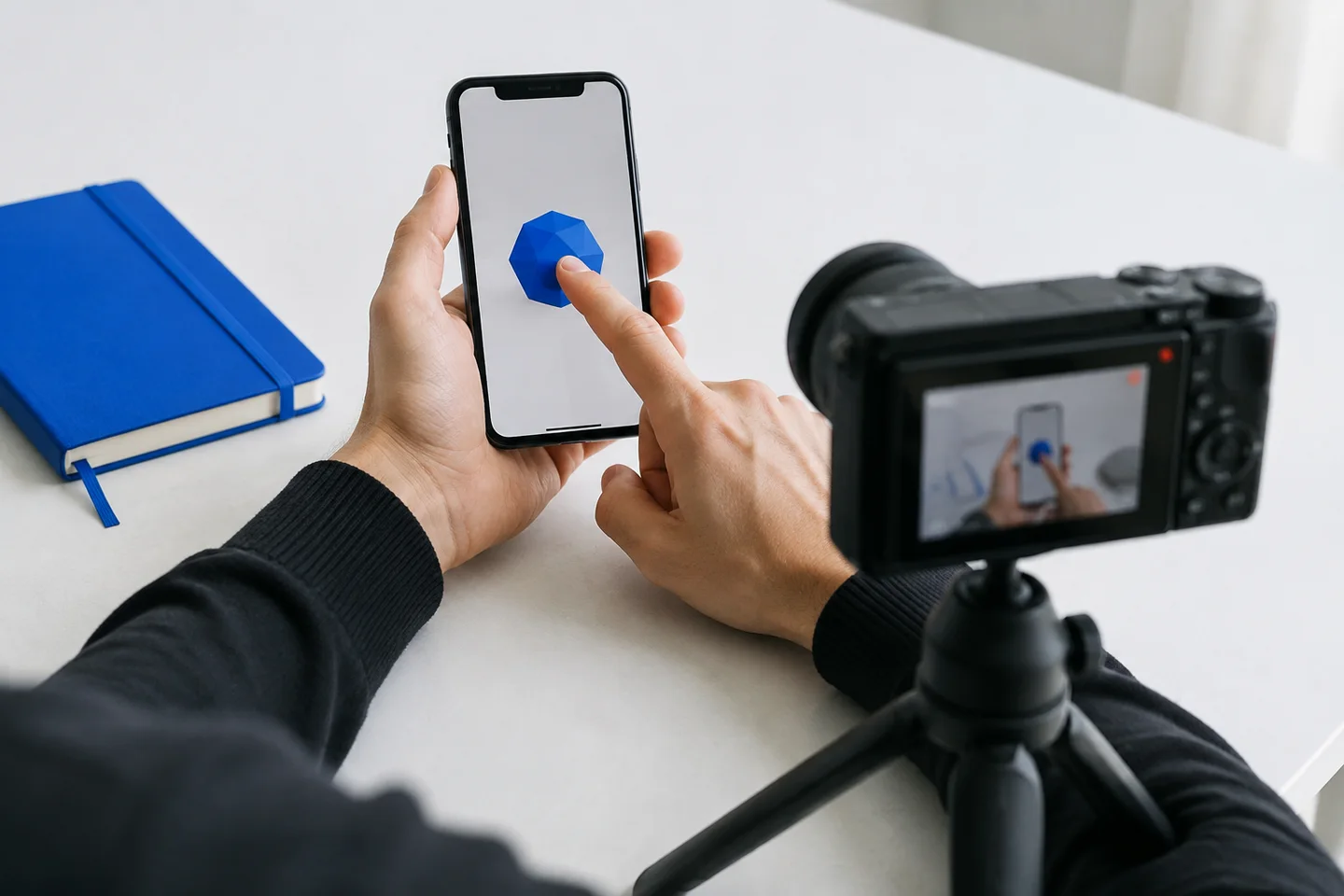
Decide whether a direct screen capture or a camera view of the laptop better explains the task. Screen capture is useful for precise interface details; a camera view can show the surrounding context. Neither is automatically more convincing. Choose the approach that preserves legibility and keeps attention on the product action.
For a camera recording, stabilize the phone, check reflections and use even light. For screen capture, simplify the browser and use a readable zoom level without hiding controls needed for the demonstration. Move the cursor deliberately and pause on important results. Do not squeeze an entire wide desktop into a narrow frame if the text becomes unreadable.
Edit for clarity without changing the claim
Remove dead time and accidental movements, but keep the sequence understandable. If you shorten a long process or show selected steps, make that clear when the edit could otherwise imply an instant result. Avoid using an accelerated loading sequence as evidence of actual product speed.
Add short labels only where they help the viewer follow the action. A label such as Choose a time is more useful than several lines of promotional copy over a tiny interface. Check contrast, caption spelling and whether labels hide a button or result. Review both a clean cut and a labeled version to see which communicates the task more clearly.
Use length as a constraint, not a universal rule
A short first cut can help you remove distractions, but there is no single duration that makes every demonstration effective. Keep enough time for the action and result to be understood. If several independent features are competing for attention, split them into separate clips rather than rushing through them.
Ask someone unfamiliar with the product what they think happened after one viewing. If they cannot describe the task and result, improve the recording before adding more effects. Watch without sound as well as with sound, and listen for abrupt cuts or distracting background noise.
Keep a reusable source and a checked publishing version
Save the original recording separately from the finished edit. Keep the product version, sample-data setup and approved claims in your notes so you can update the asset when the interface changes. Use consistent filenames to distinguish a draft from a clip approved for publication.
Before scheduling, check the destination, crop, cover and accompanying caption. A product demo can support the story around a Postraid reaction, meme or carousel, but this guide does not promise an automatic demo-to-ad editing feature or an upload capability that the current product does not offer. Use your chosen editor for recording and assembly, then confirm the supported workflow for the final media.
A few useful answers.
Should I use actual customer data?
No. Use realistic sample data in a demonstration account and review the entire frame for private information, including notifications, browser suggestions and background windows.
Does every demo need a face or narration?
No. A clear product action with a short label may explain the task on its own. Add narration or an on-camera introduction only when it contributes useful context.
Can I show several features in one clip?
Yes, if they form one understandable task. If the features answer unrelated questions, separate clips usually make the brief and review easier.