
How this page was reviewed
Written and reviewed by the Postraid editorial team. We compared the linked source page with the provider information and dated tables shown here. This is editorial guidance, not a hands-on product test unless the page explicitly says otherwise. Last updated .
The short version
Let the content reveal something useful about the piece. Do not let a polished visual change what the buyer thinks they are getting.
Build the brief around a specific garment
Choose the piece, intended audience and question the post should answer. Include accurate product photography, available colors and sizes, approved material details and the relevant listing. A broad instruction to make the brand feel premium gives less direction than a concrete styling or product question.
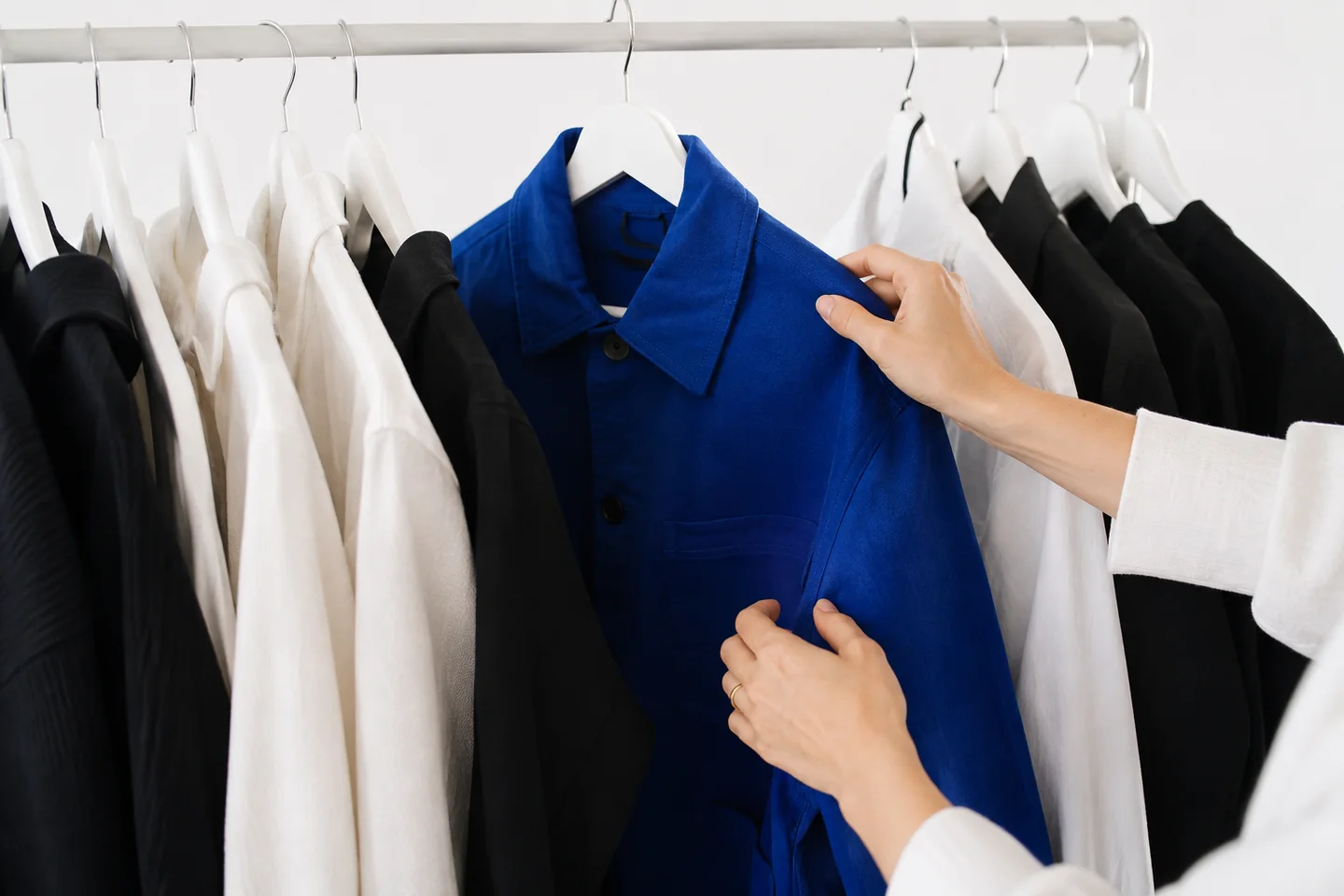
For a fictional lightweight overshirt, the brief might show how it works as a layer over two different tops. Keep the shape, fastenings and material consistent with the actual piece. Do not invent a fit claim, fabric property or new color because an illustrative image happens to look attractive.
Make a small collection of distinct stories
One carousel can show two styling combinations, another can explain an overlooked product detail and a reaction-led post can introduce a familiar wardrobe decision. Keep each idea focused enough to make sense without seeing the rest of the collection. A recurring visual style can connect the posts without making their content identical.
Use Postraid’s reaction, meme and carousel workflow for the appropriate story. It is not described here as a virtual try-on system or a tool that dresses generated models in exact garments. When fit, movement or drape matters, use an accurate photograph or recording of the product rather than an unverified synthetic substitute.
Keep styling advice separate from product evidence
An outfit concept can suggest a way to combine pieces, but it should not misrepresent the item for sale. Review the visible seams, proportions, color and accessories. If a styling image includes items that are not part of the offer, make that clear. A shopper should not need to guess which part of the image they can purchase.
Avoid invented before-and-after transformations or claims that a garment will fit every body in the same way. Use the brand’s approved size and fit information, and direct detailed questions to the relevant product guidance. A helpful explanation can be specific without making a universal promise.
Use references as a structure, not a copy
A styling challenge or transition can suggest a useful sequence, but the new post should have its own example and wording. Choose the structure because it clarifies the piece, not because the source clip received attention. A trend reference does not guarantee that the same approach fits your audience or collection.
Keep audio and footage permissions in the review process. For a lookbook carousel, arrange images so the reader learns something with each swipe. For video, use the requested 9:16 frame and check that captions do not hide the detail the viewer is meant to notice.
Connect the content calendar to availability
A launch plan should account for the actual release date, stock and destination. Confirm the selected account, timing and listing before scheduling. If an item sells out or the offer changes, identify the affected posts rather than updating only the first announcement.
Keep an approved version of the caption and media together. A last-minute visual change can introduce a product mismatch even when the original post was accurate. Assign someone to check the final published result and answer practical questions that the content raises.
Use customer questions to plan the next batch
Read the response for uncertainty about styling, sizing, care or availability. Turn a recurring question into a focused explanation rather than another generic launch post. Record the objective and observation window so a later review compares similar content at a similar age.
Use store analytics for product visits and purchases where your setup supports that measurement. Postraid does not promise automatic sales attribution or account sales. A high view count can be interesting without proving that the garment was understood or purchased.
Choose capacity around approved output
Postraid’s Free allowance includes ten content generations once, five influencer options and five scheduled posts total, without export or social-account connections. Starter is $29 per month with 100 generations, ten influencer options, 30 scheduled posts, export and three social connections. Growth is $49 per month with 300 generations, unlimited influencer-library access, 100 scheduled posts, export and ten connections. In this Fashion playbook, review the result against the stated limits before it moves into the content calendar.
Pro is $149 per month with 1,500 generations, unlimited influencer-library access, 1,000 scheduled posts, export and 30 connections. These are the displayed plan allowances, not a promise that every generated concept will be suitable for publication. Paid checkout is still a preview. Evaluate the current product before planning a campaign around an unavailable purchase or an unsupported feature. In this Fashion playbook, review the result against the stated limits before it moves into the content calendar.
A few useful answers.
Can Postraid put my garments on generated models?
That is not a capability promised by the current reaction-library workflow. Use accurate product imagery and separately produced fit or movement footage when those details are central to the story.
What can an independent label start with?
Choose one available piece, prepare accurate images and make a small set of styling, detail and question-led concepts. Review the Free plan’s limits before planning export or connected-account publishing.
Does this replace a campaign shoot?
Not necessarily. A shoot can supply product-specific footage and production services that a reaction or carousel workflow does not. Compare the actual assets required rather than assuming the outputs are interchangeable.
Can I tell which post sold a piece?
Use your store’s measurement setup and keep its limitations visible. This page does not claim that Postraid automatically links every view or post to a transaction.